A customer encountered unexpected layout issues after modifying a standard OSCV4 theme. The changes included creating two new product categories with subcategories, adding products, and disabling the default sample categories. After making these modifications, the homepage layout was disrupted:
- The new categories, subcategories, and products did not appear on the homepage.
- Only two products were displayed instead of the expected full product list.
- The "Featured Products" and "Discount Products" tabs disappeared.
- Sample products remained hidden, even after re-enabling their categories.
- The "Best Seller" product list was missing.
- New categories and subcategories appeared in breadcrumbs and the header but did not display products when accessed.

Despite ensuring all categories and products were correctly added and enabled, the expected items failed to display properly. The customer sought assistance to resolve these issues and restore the correct homepage layout.
osCommerce Support Team's Solution:
After reviewing the issue, the osCommerce support team provided the following explanations and solutions:
- New categories visibility: The categories were correctly created and visible in the system. The issue was related to specific settings that needed to be adjusted.
- Limited product display: Only two products were shown under "New Products" because the system classifies items as "new" based on their creation date. Products beyond their "new" period were no longer included.
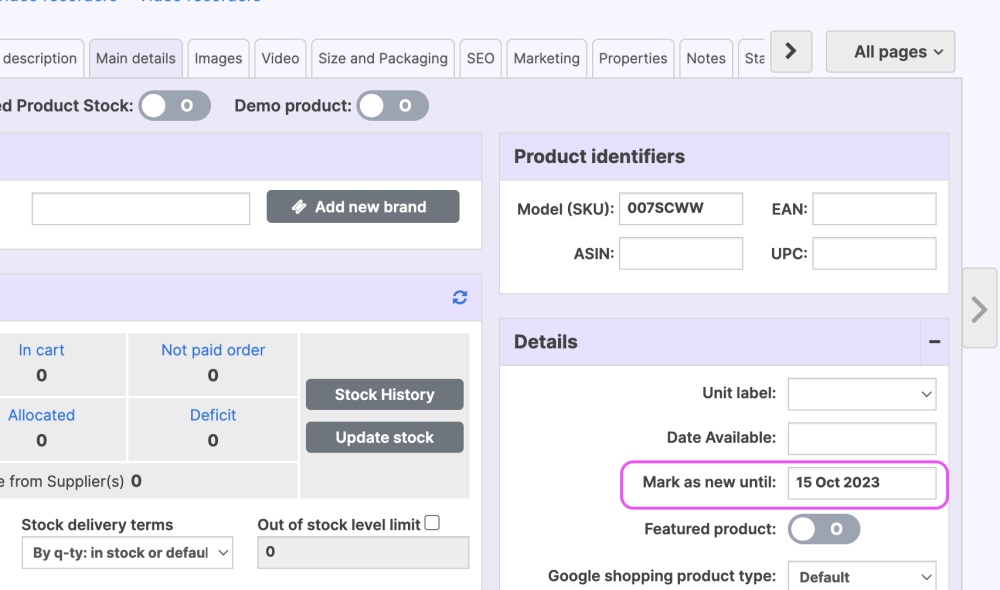
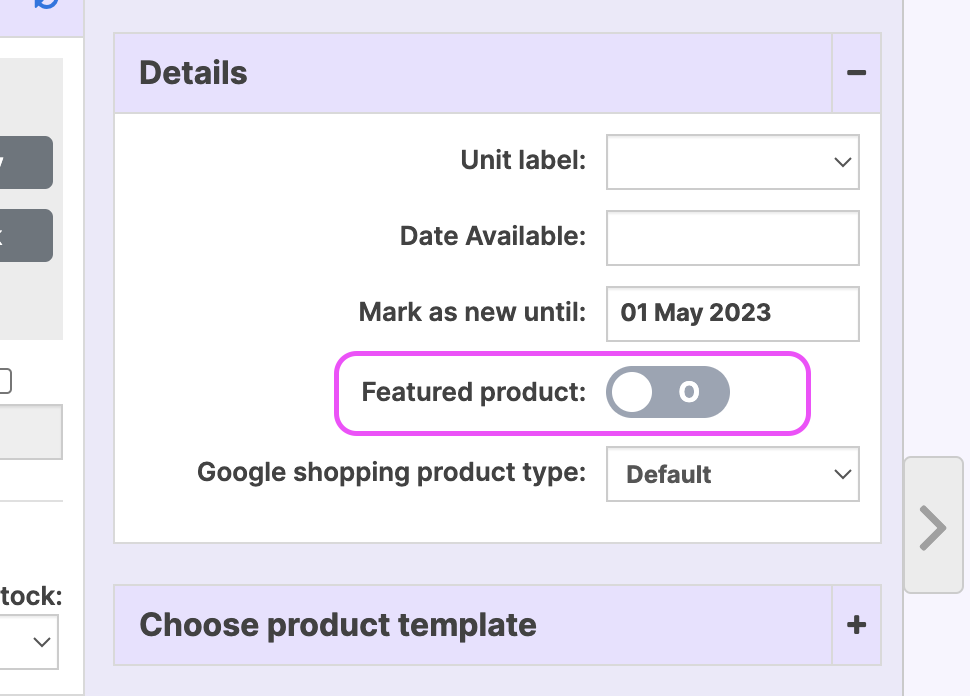
- Missing "Featured Products" tab: This tab only appears when at least one product is marked as "Featured." Since no products were featured, the tab was not displayed.
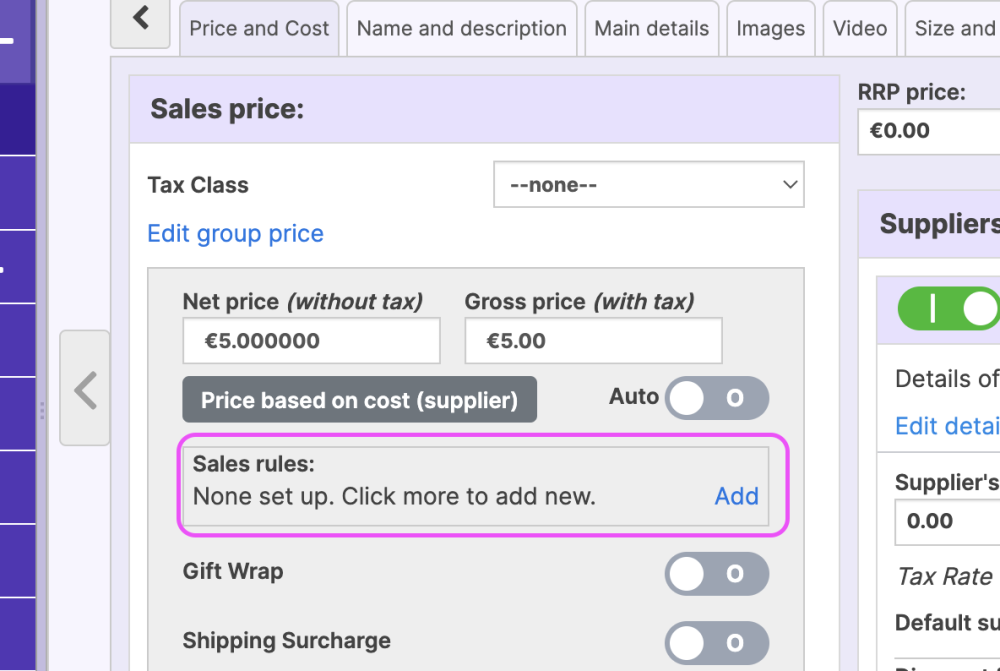
- Missing "Discount Products" tab: The tab only appears when products have a sales price set. Since no discounts were applied, the tab was hidden.
- Previously disabled categories: Disabling a category also disables its products. When re-enabling a category, the products must be manually reactivated.
- Missing "Best Seller" list: The "Best Seller" section only populates if products have recorded sales. Since no products had sales history, the section was empty.
- Products not appearing in categories: The "Show on Homepage" option was disabled for the affected categories, preventing them from displaying on the front end.
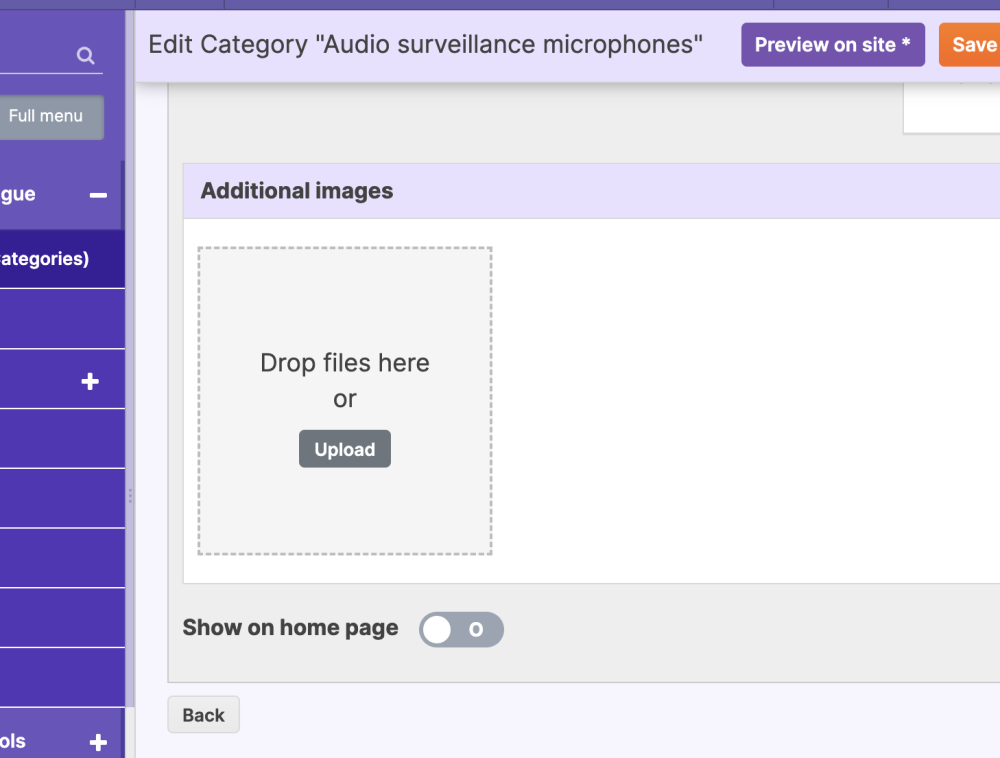
The customer successfully followed the instructions and confirmed that the categories and subcategories were now appearing correctly. They also requested guidance on managing stock quantities for each product, as they had only located the "Unlimited Stock" option.
Additional Support:
The support team provided a link to a detailed guide on managing stock levels in OSCV4: Managing Stock in osCommerce
! When making changes to your osCommerce store, always check category and product visibility settings, feature activation, and stock status to ensure your storefront displays correctly. Utilize the "Show on Homepage" option, monitor product classifications like "New" and "Featured," and verify category reactivation settings. For further guidance, explore the osCommerce Knowledge Base or reach out to support for expert assistance.